
Explore Latest Blog & News at Premier Aftermarket Auto Parts Store
YMM Search Plugins/Integrations
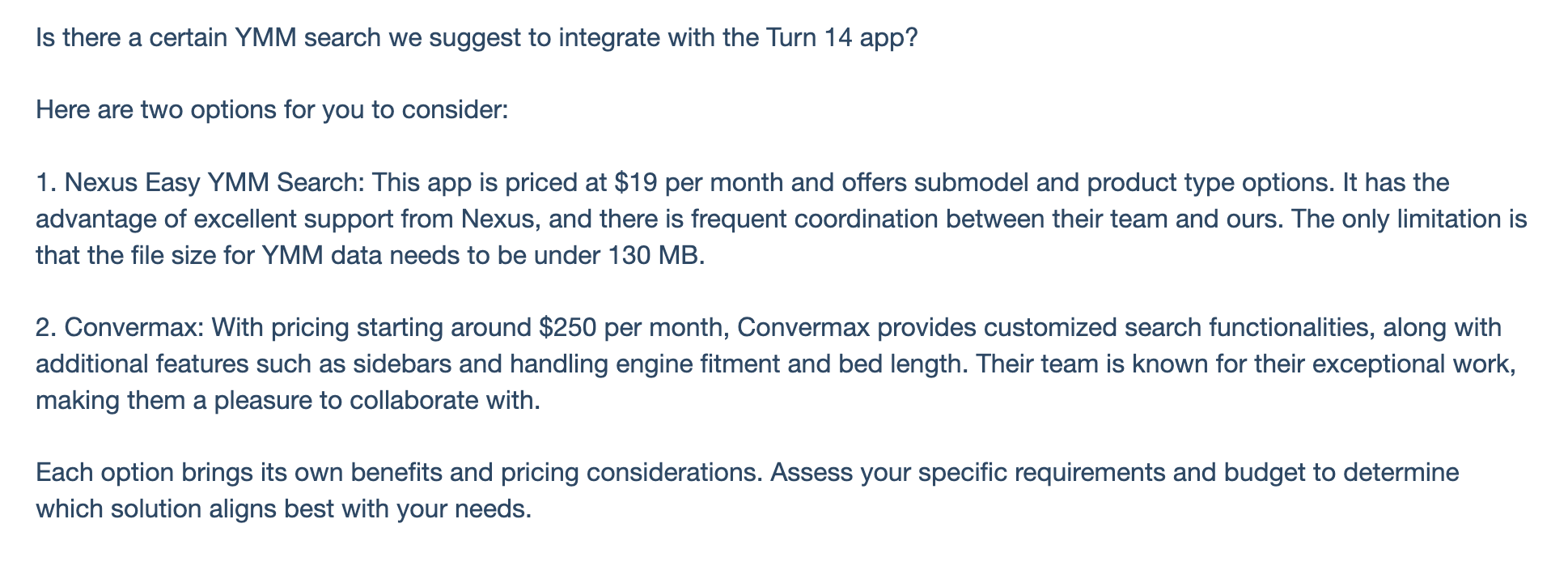
Is there a certain YMM search we suggest to integrate with the Turn 14 app? Here are two options for you to consider: 1. Nexus Easy YMM Search: This app is priced at $19 per month and offers submodel and product type options. It has the advantage of excellent support from Nexus, and there is
Read More
Using Buckets as a Replacement for YMM search
You can use the Fitment Buckets that come with the app for niche sites instead of a YMM search- for no extra charge! Having one or more fitment buckets makes it easy for your buyers to shop using their mobile phones. They can quickly select from whole groups of items. This is different from a classic
Read More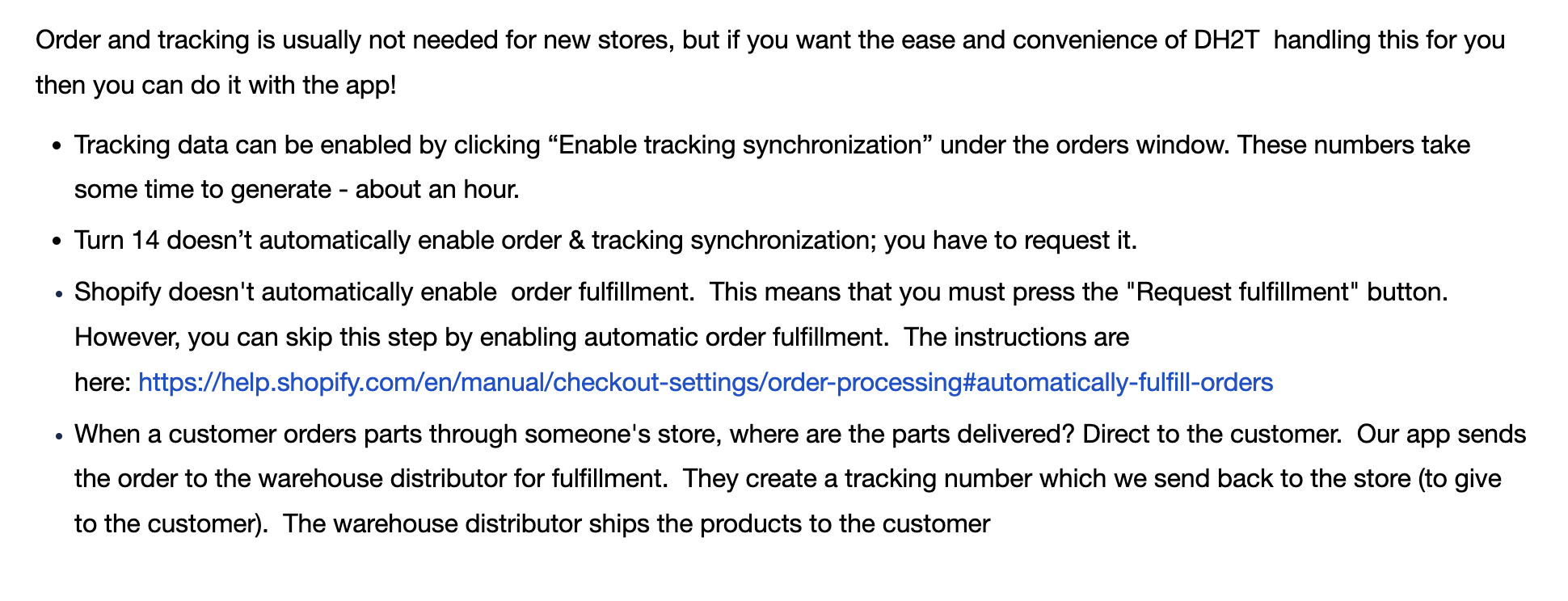
Order and Tracking General Information
Order and tracking is usually not needed for new stores, but if you want the ease and convenience of DH2T handling this for you then you can do it with the app! When a customer orders parts through someone’s store, where are the parts delivered? Direct to the customer. Our app sends the order to
Read More
Order and Tracking Setup Instructions
Preparing for the test order: 1. Click “Orders” 2. Click the “Provide EPA acknowledgements” field. 3. Click the “Provide Prop65 acknowledgements” field. 4. Click the “Provide CARB acknowledgements” field. 5. Click the “Enable tracking synchronization” field. 6. Click the “Allow Shopify to mark orders as cancelled” field. 7. Acknowledge the information about cancelling orders 8.
Read More
Live Shipping Rates Setup Instructions
First, users must have Advanced Shopify or Shopify Plus plans or yearly billing. See link: Third-party carrier-calculated shipping rates Second you need to have set up your Shipping Zones You also need to have completed a test order. Also check out these links to set up backup rates. Learn more about backup rates in the Shopify Help
Read More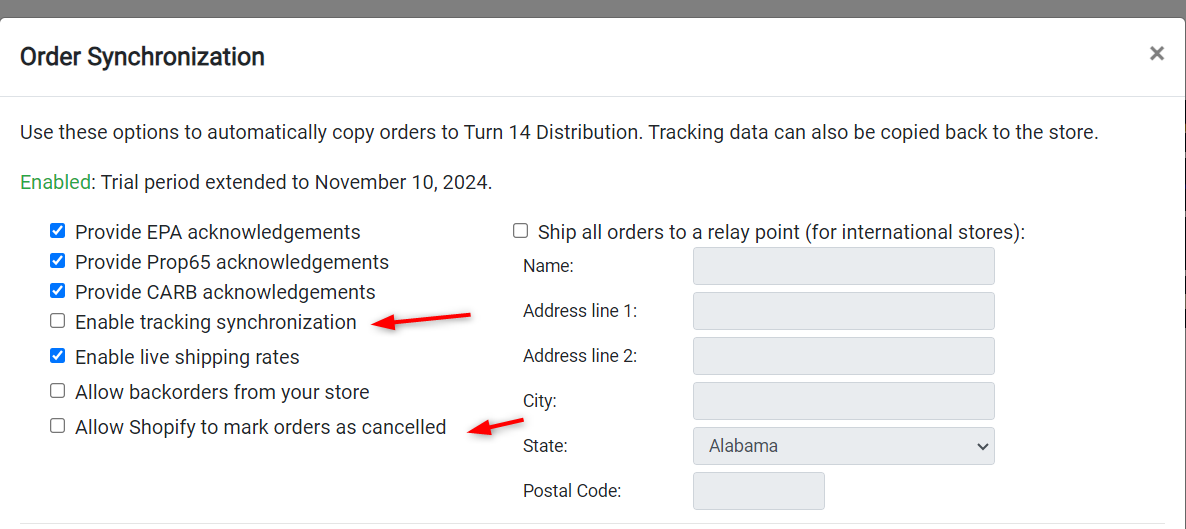
Cancelling an Order via Shopify
To enable this option go to the orders tab in the Turn 14 app, and make sure you have both enable tracking synchronization and allow Shopify to mark orders as cancelled. There will be a pop up you need to acknowledge: This option allows you to cancel orders in Shopify without reaching out to the
Read More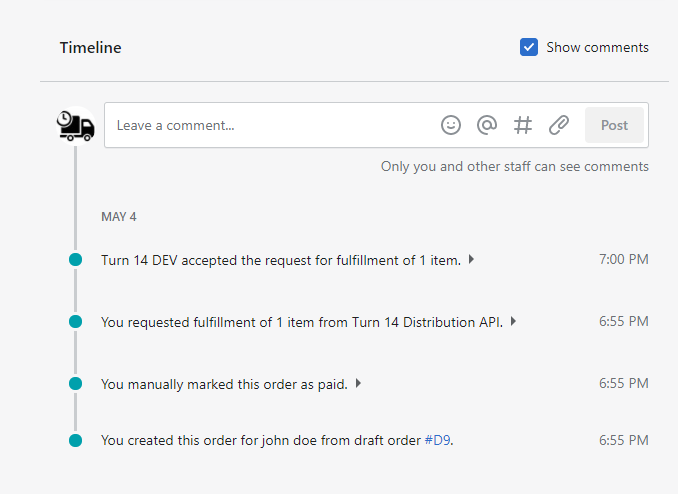
Order Status and Error Messages
In the current version of our app, there are two ways to check the status of an order. Below is an example showing that Turn 14 received the order successfully. After the order is completely fulfilled, the status of the order will change and the tracking number is filled. 1. Click “Orders” 2. Click on
Read More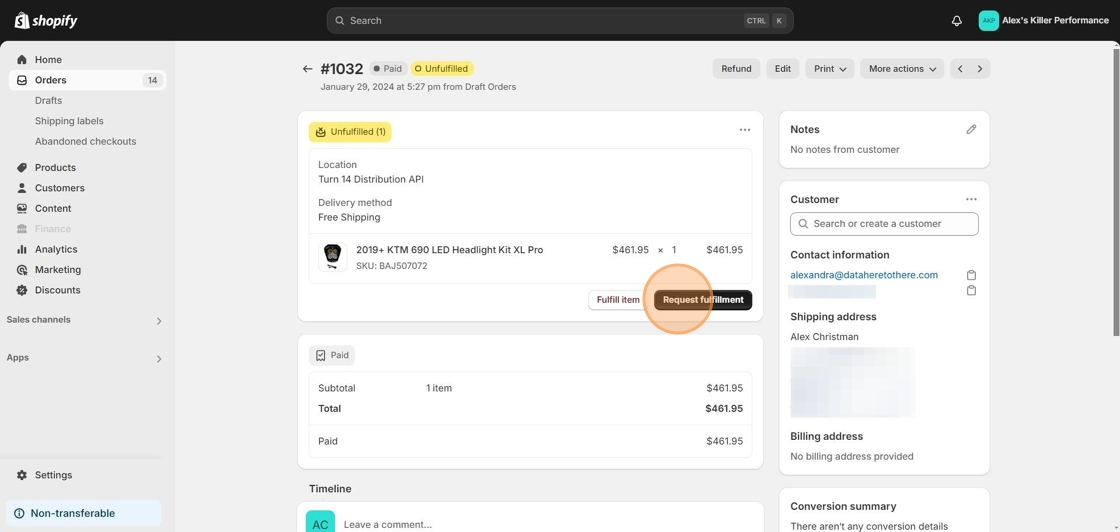
Order shows Unfulfilled
If you have an order that shows as unfulfilled, first make sure you have completed a test order. If you have completed a test order, you may just need to press the request fulfillment button, then a second button send fulfillment request will pop up that you also have to press. 1. Here’s an order
Read More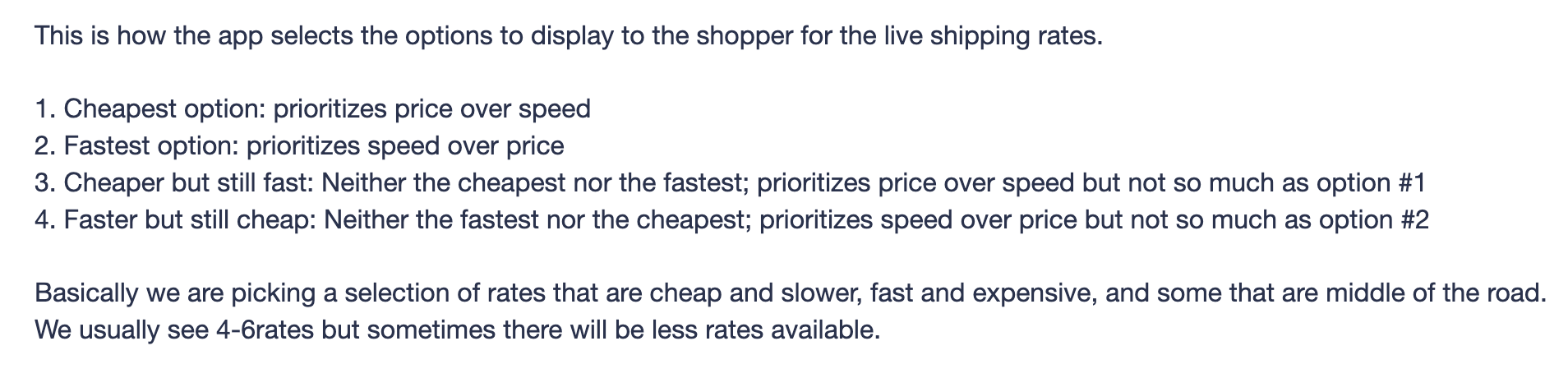
How Does the App Choose Shipping Rates?
This is how the app selects the options to display to the shopper for the live shipping rates. 1. Cheapest option: prioritizes price over speed2. Fastest option: prioritizes speed over price3. Cheaper but still fast: Neither the cheapest nor the fastest; prioritizes price over speed but not so much as option #14. Faster but still cheap: Neither the fastest nor the cheapest;
Read More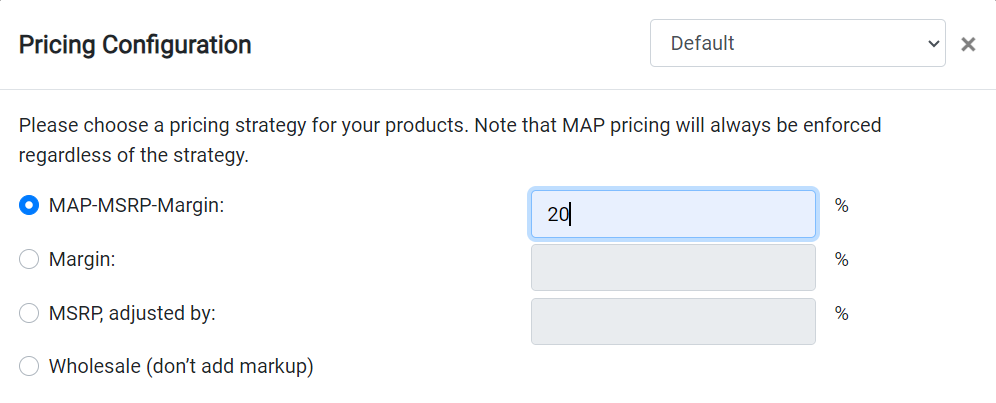
How does MAP-MSRP-Margin Work?
The MAP-MSRP-Margin option will check for MAP first. If MAP is available, that will be the product price. If MAP is not available the system will look for MSRP. If MSRP is not there, it will use the wholesale price plus the margin you entered. This means if you set the margin to 0% products may
Read More