
Explore Latest Blog & News at Premier Aftermarket Auto Parts Store
Order Status and Error Messages
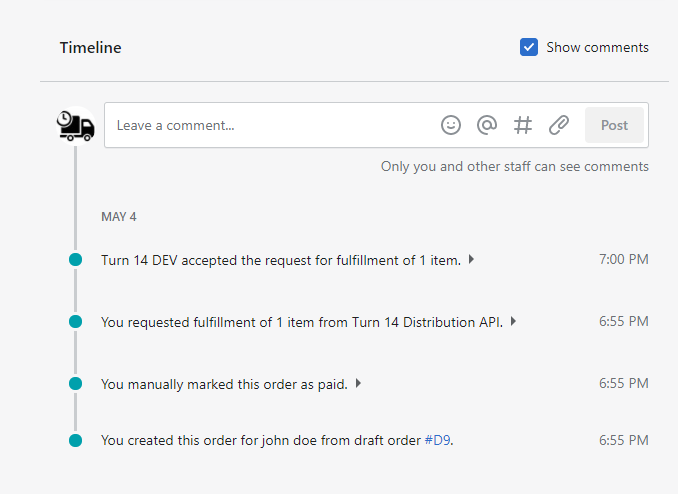
In the current version of our app, there are two ways to check the status of an order. Below is an example showing that Turn 14 received the order successfully. After the order is completely fulfilled, the status of the order will change and the tracking number is filled. 1. Click “Orders” 2. Click on
Read More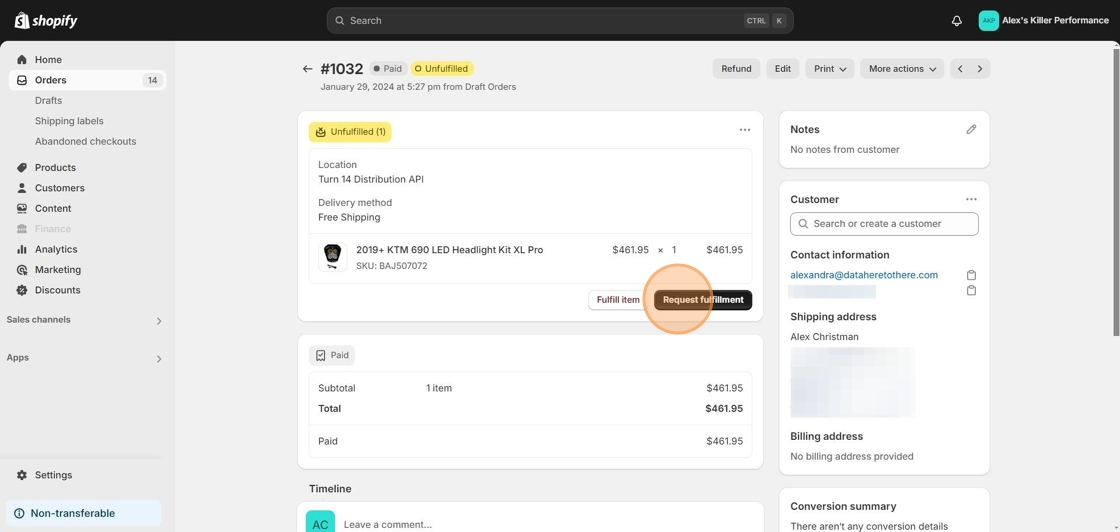
Order shows Unfulfilled
If you have an order that shows as unfulfilled, first make sure you have completed a test order. If you have completed a test order, you may just need to press the request fulfillment button, then a second button send fulfillment request will pop up that you also have to press. 1. Here’s an order
Read More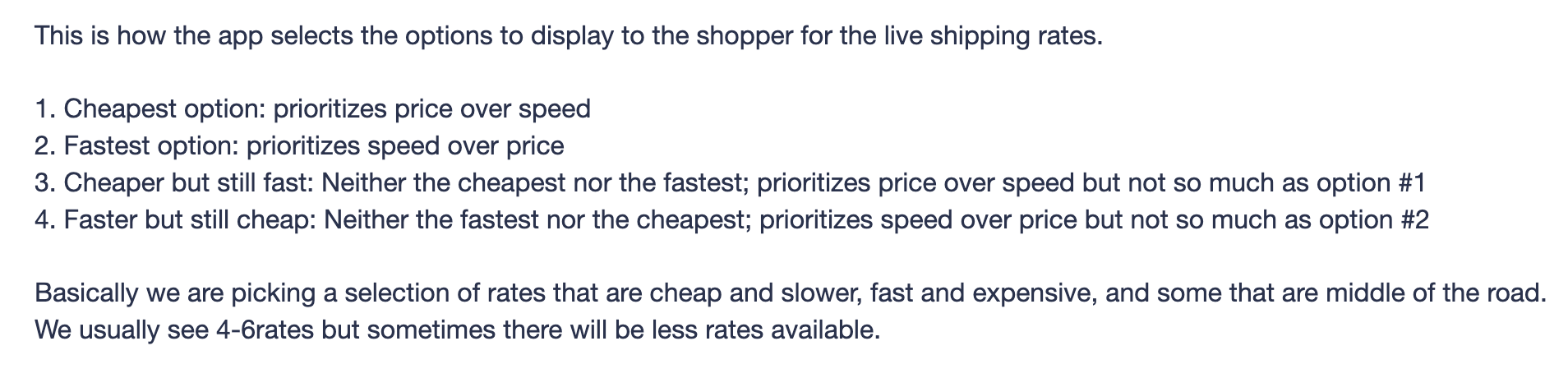
How Does the App Choose Shipping Rates?
This is how the app selects the options to display to the shopper for the live shipping rates. 1. Cheapest option: prioritizes price over speed2. Fastest option: prioritizes speed over price3. Cheaper but still fast: Neither the cheapest nor the fastest; prioritizes price over speed but not so much as option #14. Faster but still cheap: Neither the fastest nor the cheapest;
Read More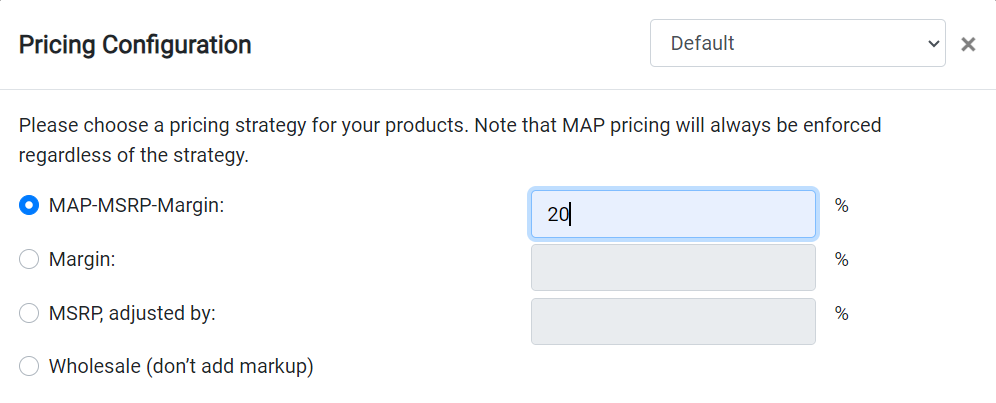
How does MAP-MSRP-Margin Work?
The MAP-MSRP-Margin option will check for MAP first. If MAP is available, that will be the product price. If MAP is not available the system will look for MSRP. If MSRP is not there, it will use the wholesale price plus the margin you entered. This means if you set the margin to 0% products may
Read More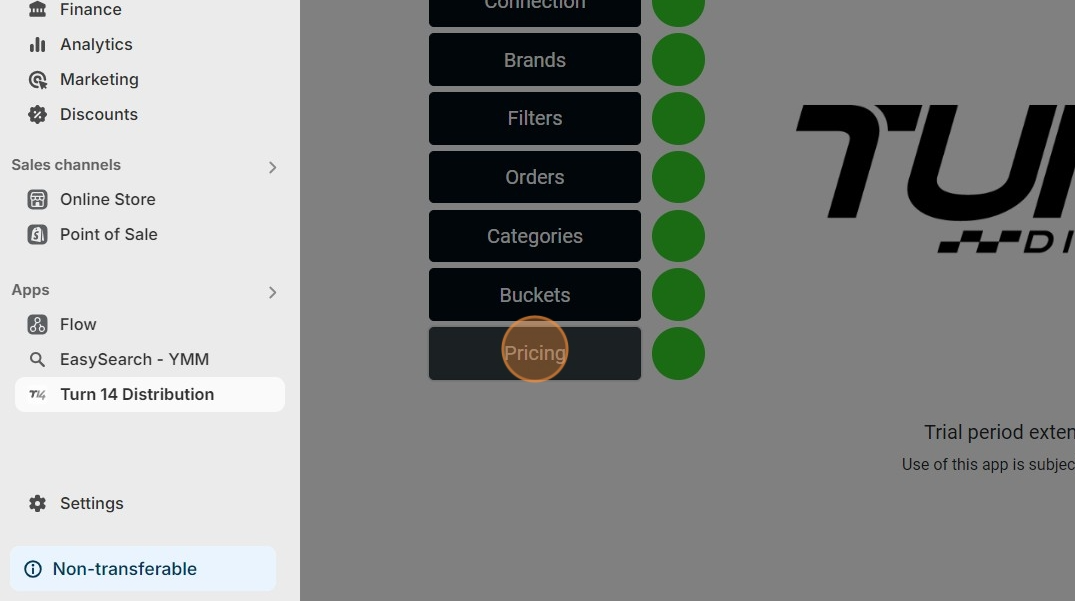
How to Download the Pricing Report
1. Open your Shopify store 2. Open the “Turn 14 Distribution” app 3. Click “Pricing” 4. Click “Report” 5. This will download the Pricing Report as a .CSV file for you to use. Further information on how to use the pricing report can be found here.
Read More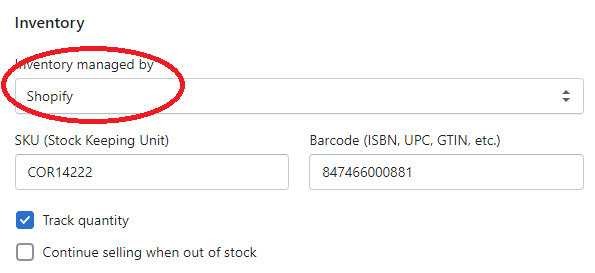
Help I’m getting MAP violations
Here are a few setting to check right away: If you have installed and uninstalled the app you may run into this problem where the the “inventory will be stocked at” is set to the store location and not the Turn 14 app. This means the products are no longer attached to our app. This
Read More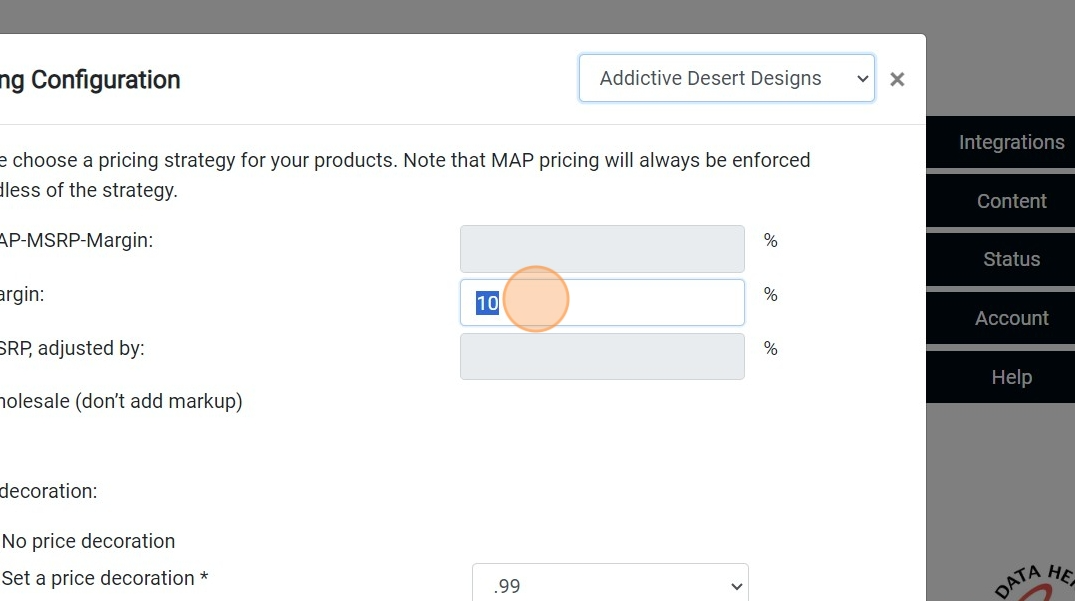
Brand Specific Pricing
Here’s how to set an individual pricing rule for a specific brand. 1. Click “Pricing” 2. Click the brands dropdown. 3. Edit the pricing for the specific brand 4. Click “Save”
Read More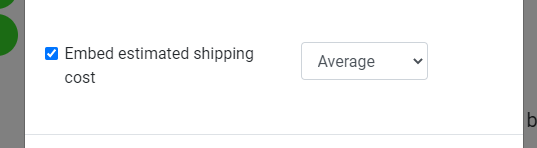
Embed Estimated Shipping
You can utilize the embedded estimated shipping rates feature in the pricing tab of the Turn 14 app. This option provides convenience but comes with some variability. The estimates are sourced from Turn 14, and while they generally work well, they may occasionally be slightly higher or lower than the actual cost. Most users find
Read More
Shipping From your Turn 14 Store Outside the USA
Can you ship outside the USA? Yes! Depending on what shipping rates you are using this may need some adjusting. The embed estimated shipping rates work well within the US, but might be low outside the states. You could experiment with using the maximum estimate. Or you can set up specific shipping zones for other
Read More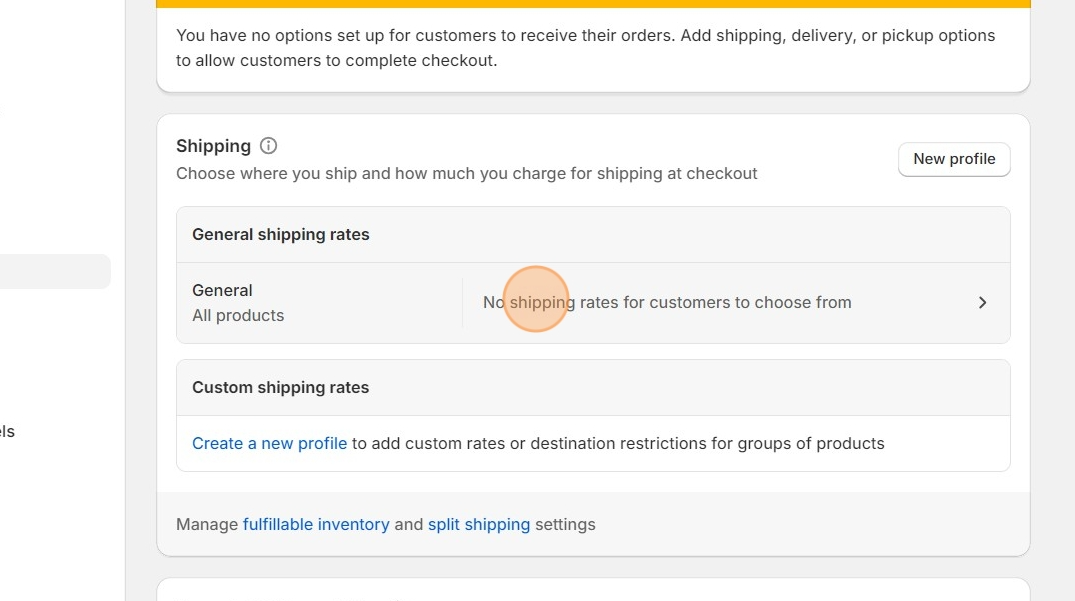
Shopify Shipping Zones
In order to let customer checkout you must first have your Shipping zones set up in your Shopify settings. Basically all you are doing is telling Shopify where you will and wont ship to. Do you want to only ship to the USA and Canada, or will you ship all over the world? Maybe you
Read More