Connecting Western Power Sports (WPS)

1. Open your Shopify store

2. Open the “Slingshot Automotive” app

Data Here-to-There Inc. | Connecting Western Power Sports (WPS)

3. Click the “Settings” tab

Data Here-to-There Inc. | Connecting Western Power Sports (WPS)

4. Scroll down to Western Power Sports and click “Connect”

Data Here-to-There Inc. | Connecting Western Power Sports (WPS)

5. Enter your WPS API key and click “Accept”

Your WPS API key can be requested from your WPS account manager, contact webservices@wps-inc.com for assistance.

Data Here-to-There Inc. | Connecting Western Power Sports (WPS)

Share:

More Scribes

multi location inventory

Multi Location Inventory

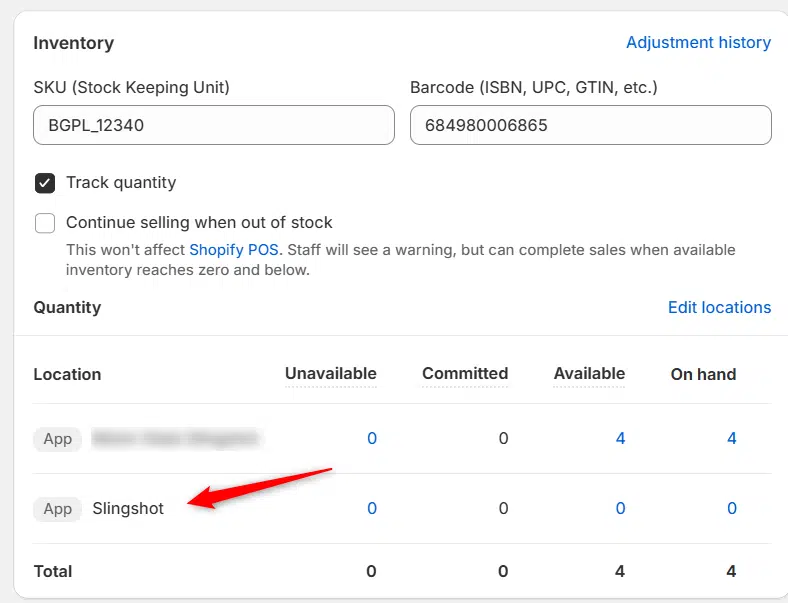
Previously we had all skus showing a single location called the “Slingshot App”, however we received a lot of requests
Create Parent collection in Shopify

Create Parent collection in Shopify

1. Click “Products” 2. Click “Collections” 3. Click “Create collection” 4. Click the “Title” field. 5. Enter the desired name

Add your Comment

Stay Connected

More Updates

connecting-grandwest

Connecting Grandwest

1. Open your Shopify store 2. Open the “Slingshot Automotive” app 3. Click “Settings” 4. Scroll down to “Grandwest” and click “Connect” 5. Contact your
Zero Stock Items

Zero Stock Items

In the filters tab of the app we have the option to import products with zero stock.  This setting only applies when uploading products, helping
Select your currency