Connecting Western Power Sports (WPS)

1. Open your Shopify store

2. Open the “Slingshot Automotive” app

Data Here-to-There Inc. | Connecting Western Power Sports (WPS)

3. Click the “Settings” tab

Data Here-to-There Inc. | Connecting Western Power Sports (WPS)

4. Scroll down to Western Power Sports and click “Connect”

Data Here-to-There Inc. | Connecting Western Power Sports (WPS)

5. Enter your WPS API key and click “Accept”

Your WPS API key can be requested from your WPS account manager, contact webservices@wps-inc.com for assistance.

Data Here-to-There Inc. | Connecting Western Power Sports (WPS)

Share:

More Scribes

multi location inventory

Multi Location Inventory

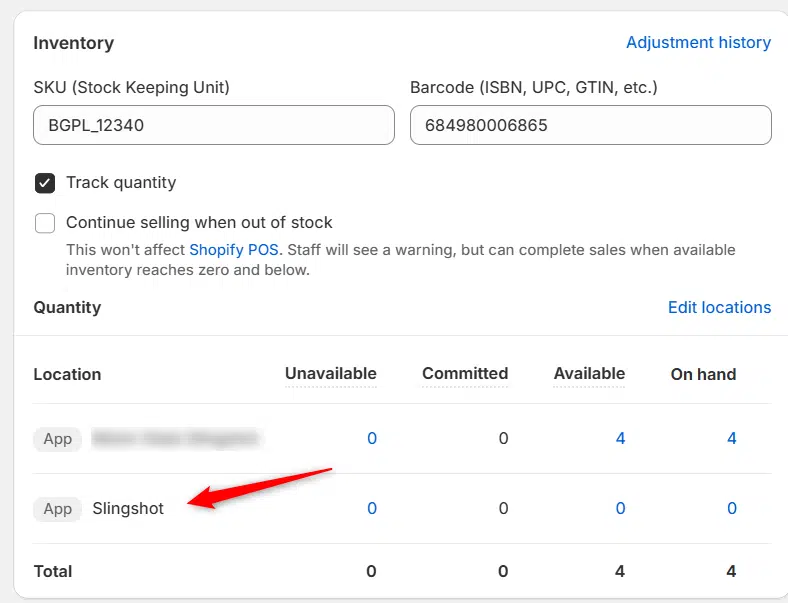
Previously we had all skus showing a single location called the “Slingshot App”, however we received a lot of requests
Create Parent collection in Shopify

Create Parent collection in Shopify

1. Click “Products” 2. Click “Collections” 3. Click “Create collection” 4. Click the “Title” field. 5. Enter the desired name

Add your Comment

Stay Connected

More Updates

Connecting Wheel Pros

Connecting Wheel Pros

Use the following instructions to enable your Wheel Pros data feed for Slingshot 1. Log into your data.wheelpros.com account using the credentials you received from your WheelPros
Jay Funnell, CEO of DH2T, and Stephanie Benger, Marketing Director of DH2T, standing together at SEMA 2024.

DH2T Gears Up for SEMA 2025 – Visit Us at Booth #11519

DH2T is heading to the 2025 SEMA Show in Las Vegas — find us at Booth #11519! This year’s spotlight features our powerful suite of Shopify-integrated tools designed to help parts dealers, dropshippers, and online stores scale faster, simplify eCommerce management, and drive smarter growth.
Select your currency