Connecting Western Power Sports (WPS)

1. Open your Shopify store

2. Open the “Slingshot Automotive” app

Data Here-to-There Inc. | Connecting Western Power Sports (WPS)

3. Click the “Settings” tab

Data Here-to-There Inc. | Connecting Western Power Sports (WPS)

4. Scroll down to Western Power Sports and click “Connect”

Data Here-to-There Inc. | Connecting Western Power Sports (WPS)

5. Enter your WPS API key and click “Accept”

Your WPS API key can be requested from your WPS account manager, contact webservices@wps-inc.com for assistance.

Data Here-to-There Inc. | Connecting Western Power Sports (WPS)

Share:

More Scribes

multi location inventory

Multi Location Inventory

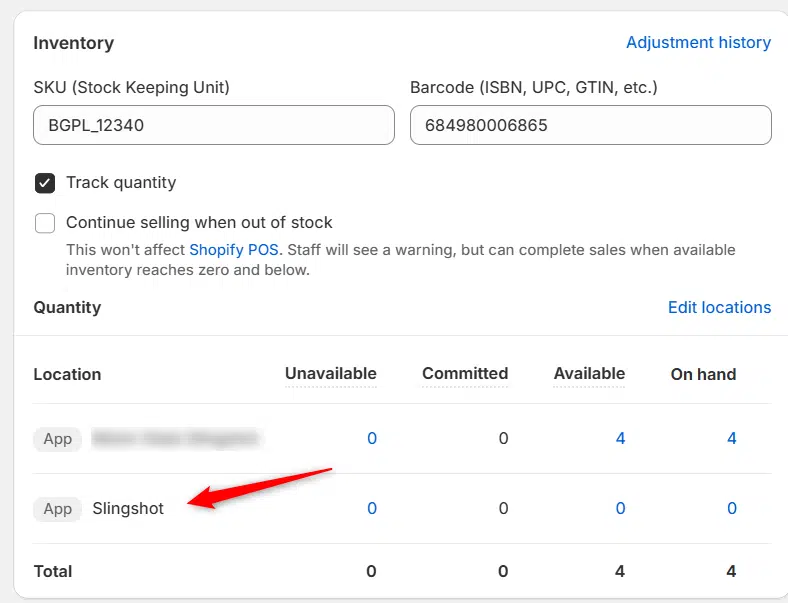
Previously we had all skus showing a single location called the “Slingshot App”, however we received a lot of requests
Create Parent collection in Shopify

Create Parent collection in Shopify

1. Click “Products” 2. Click “Collections” 3. Click “Create collection” 4. Click the “Title” field. 5. Enter the desired name

Add your Comment

Stay Connected

More Updates

Dan Ziegler, Turn 14 Distribution – Year, Make, Model, Money! Podcast

The Year, Make, Model, Money! Podcast, Episode 2, Part 1

“I started out on the web development team, just writing code like any other developer. I worked on a mix of things—our API, our warehouse login system, even parts of our Vendor Portal,” Dan explains. “But I started asking critical questions. Like, okay, if we’re going to build an API, how do we actually get our dealers and their developers to use it? They’re not going to call their sales rep and ask how to code. That’s not gonna work.” With that, Dan’s role evolved. He became not just a developer, but an API evangelist—someone who bridges the gap between hardcore tech and real-world business needs. Today, he leads the Integrations Department, helping dealers navigate T14’s robust API and making sure their businesses run smoothly.
Select your currency