Connecting Helmet House

1. Open your Shopify store

2. Open the “Slingshot Automotive” app

Data Here-to-There Inc. | Connecting Helmet House

3. Click “Settings”

Data Here-to-There Inc. | Connecting Helmet House

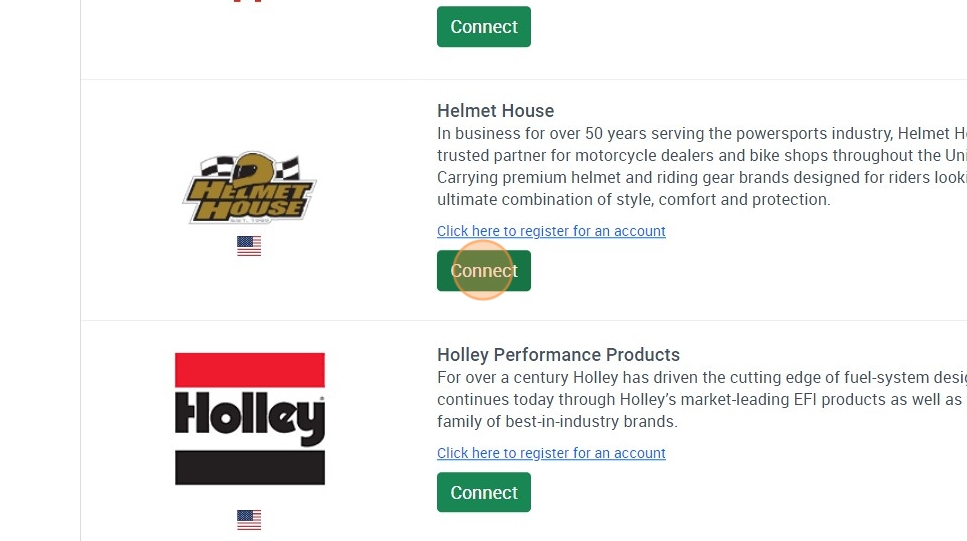
4. Scroll down to “Helmet House” and click “Connect”

Data Here-to-There Inc. | Connecting Helmet House

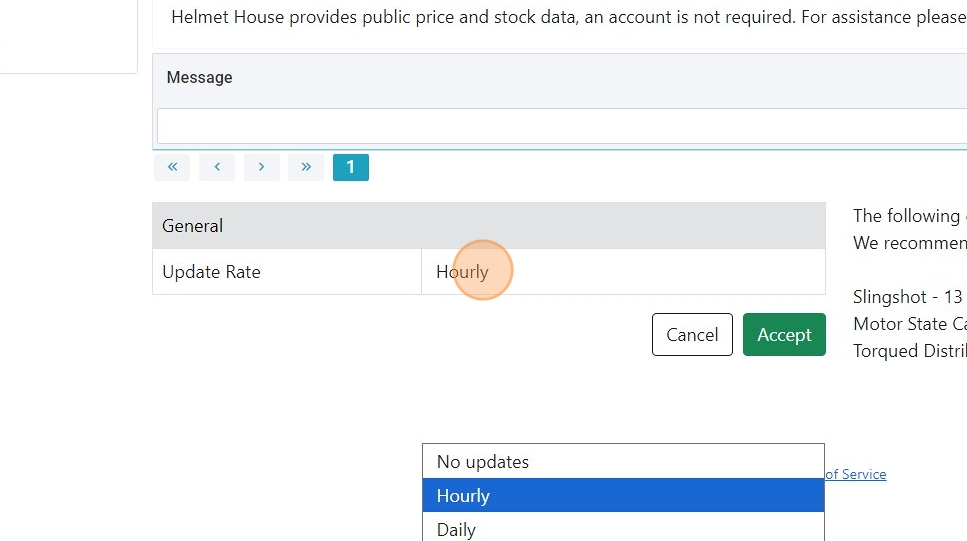
1. Click “Update Rate” dropdown and select “Hourly” or “Daily” (Simply a matter of your preference)

Data Here-to-There Inc. | Connecting Helmet House

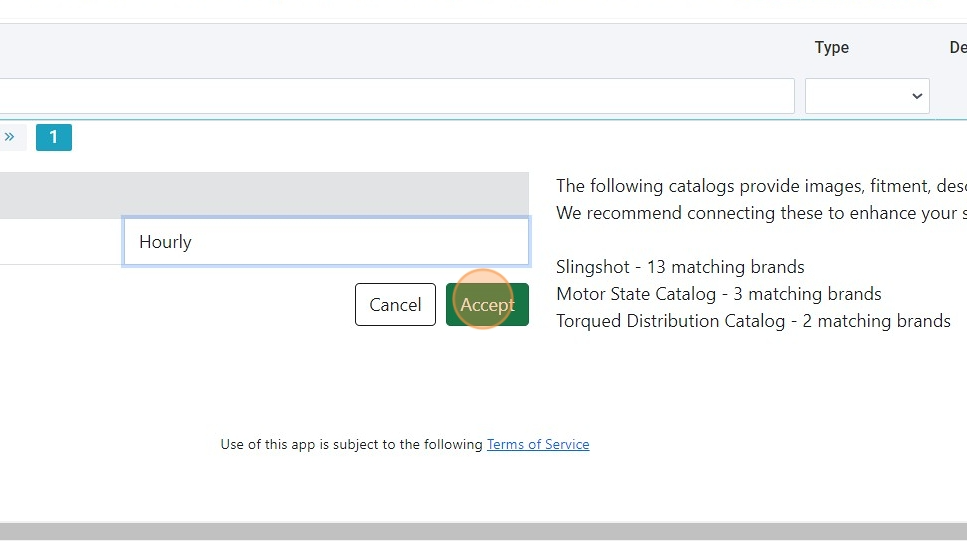
2. Click “Accept”

Data Here-to-There Inc. | Connecting Helmet House

Share:

More Scribes

multi location inventory

Multi Location Inventory

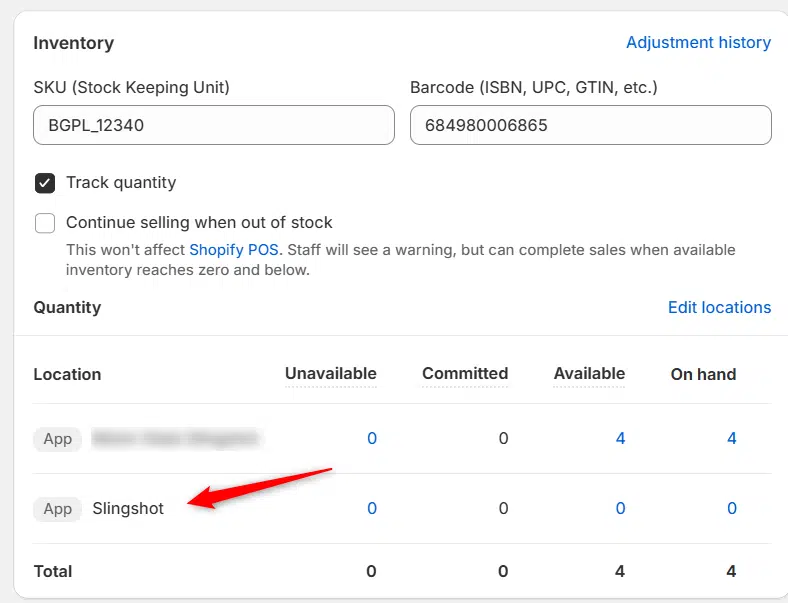
Previously we had all skus showing a single location called the “Slingshot App”, however we received a lot of requests
Create Parent collection in Shopify

Create Parent collection in Shopify

1. Click “Products” 2. Click “Collections” 3. Click “Create collection” 4. Click the “Title” field. 5. Enter the desired name

Add your Comment

Stay Connected

More Updates

DH2T vs. other inventory solutions

DH2T vs. Other Inventory Solutions: Why Automotive Dealers Are Switching to a Better System

Managing inventory shouldn’t slow down your business. DH2T helps automotive dealers reduce oversells, streamline operations, and build a stronger foundation for long-term eCommerce growth. Discover why dealers are choosing DH2T over other inventory solutions for more accurate inventory data, automated MAP compliance, seamless Turn 14 Distribution integration, comprehensive onboarding and training, and responsive support from a team that understands the automotive industry.
Connecting the Slingshot (DH2T) Catalog

Connecting the Slingshot (DH2T) Catalog

1. Open your Shopify store 2. Open the “Slingshot Automotive” app 3. Click “Settings” 4. Click “Catalogs” 5. Scroll down to “Slingshot” and click “Connect”
Select your currency