How do I Become a Distributor for Turn 14?

Turn 14 lists all of their application information on their website here:  http://turn14.com/become_customer

The main things are:

  • The customer needs to have a commercially zoned building for their main HQ
    • They can’t just be run out of their home 
    • Related, they can’t just have a website and no “business” location
  • They must have a business license to operate wherever they do
  • They should have some “automotive” focus

The application and all instructions and who to contact is on there. We would say it can take up to a week to reply, though it may happen sooner/later depending upon volume.

Share:

More Scribes

multi location inventory

Multi Location Inventory

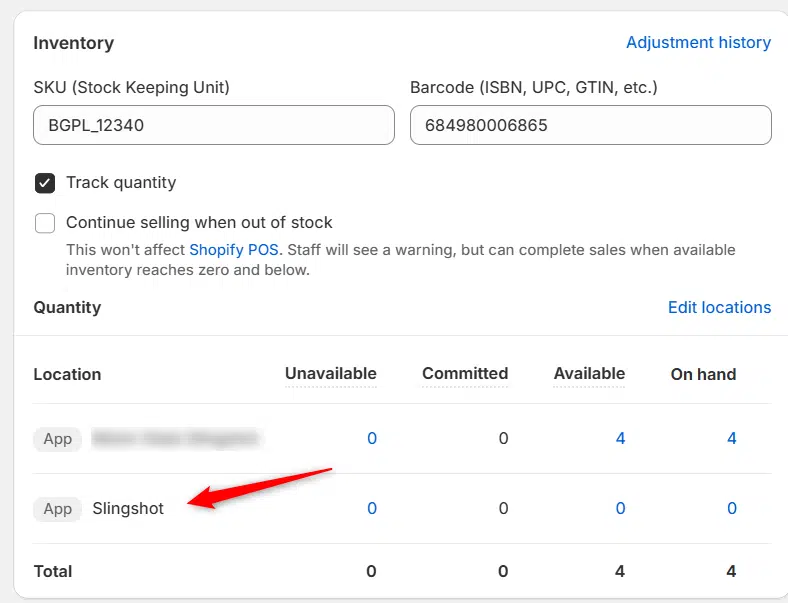
Previously we had all skus showing a single location called the “Slingshot App”, however we received a lot of requests
Create Parent collection in Shopify

Create Parent collection in Shopify

1. Click “Products” 2. Click “Collections” 3. Click “Create collection” 4. Click the “Title” field. 5. Enter the desired name

Add your Comment

Stay Connected

More Updates

Barry Alt (left) and Adam Kennedy (center) and Brennan Christman (right)

Case Study: How IAG Performance Scaled E-commerce with Data Here-to-There

Discover how IAG Performance scaled from approximately 1,000 to more than 30,000 SKUs by partnering with Data Here-to-There. Using the Slingshot Automotive app, IAG automated distributor integrations, centralized inventory management, and streamlined product data, creating an eCommerce infrastructure built for rapid growth across its performance and off-road product lines.
Connecting Keystone

Connecting Keystone

1. Open your Shopify store 2. Open the “Slingshot Automotive” app 3. Click the “Settings” tab 4. Scroll down and click “Connect” under “Keystone” in
Connecting SSF (Catalog)

Connecting SSF (Catalog)

1. Open your Shopify store 2. Open the “Slingshot Automotive” app 3. Click “Settings” 4. Click “Catalogs” 5. Scroll down to “SSF Catalog” and click
Select your currency