
Explore Latest Blog & News at Premier Aftermarket Auto Parts Store
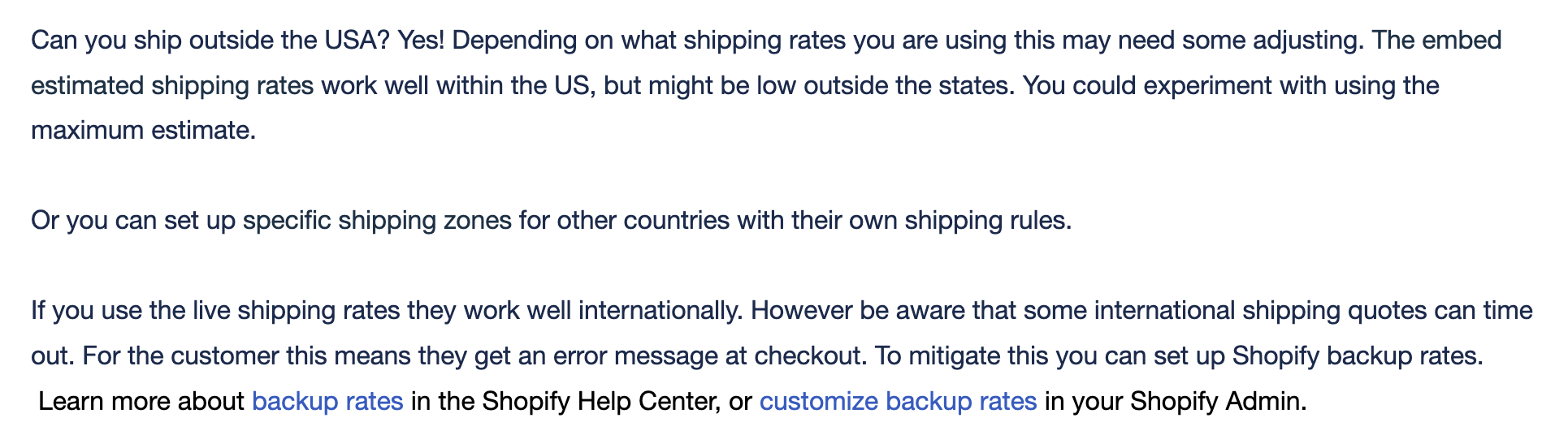
Shipping From your Turn 14 Store Outside the USA
Can you ship outside the USA? Yes! Depending on what shipping rates you are using this may need some adjusting. The embed estimated shipping rates work well within the US, but might be low outside the states. You could experiment with using the maximum estimate. Or you can set up specific shipping zones for other
Read More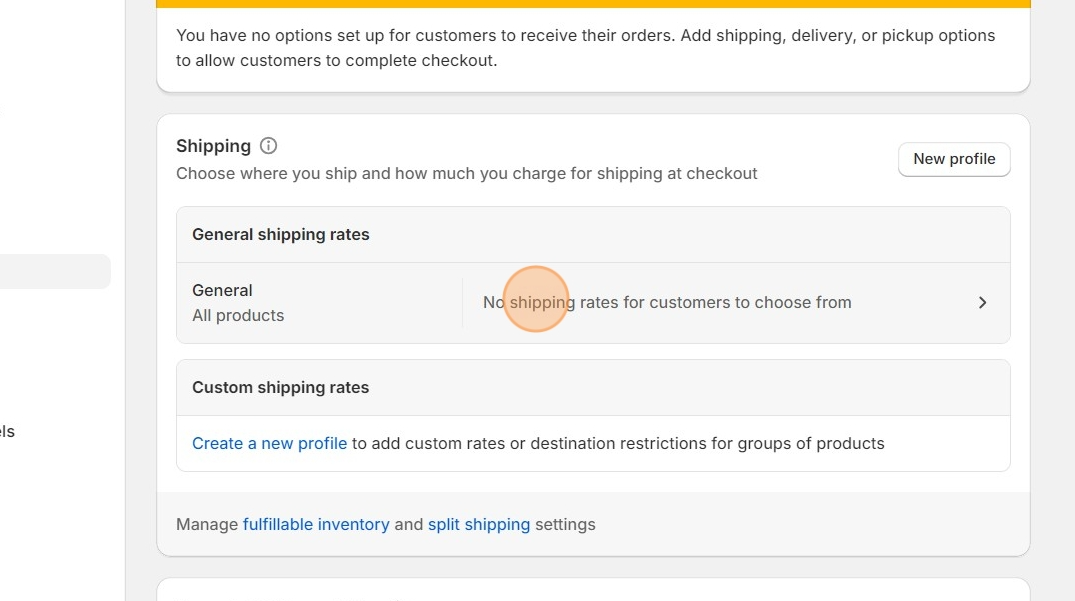
Shopify Shipping Zones
In order to let customer checkout you must first have your Shipping zones set up in your Shopify settings. Basically all you are doing is telling Shopify where you will and wont ship to. Do you want to only ship to the USA and Canada, or will you ship all over the world? Maybe you
Read More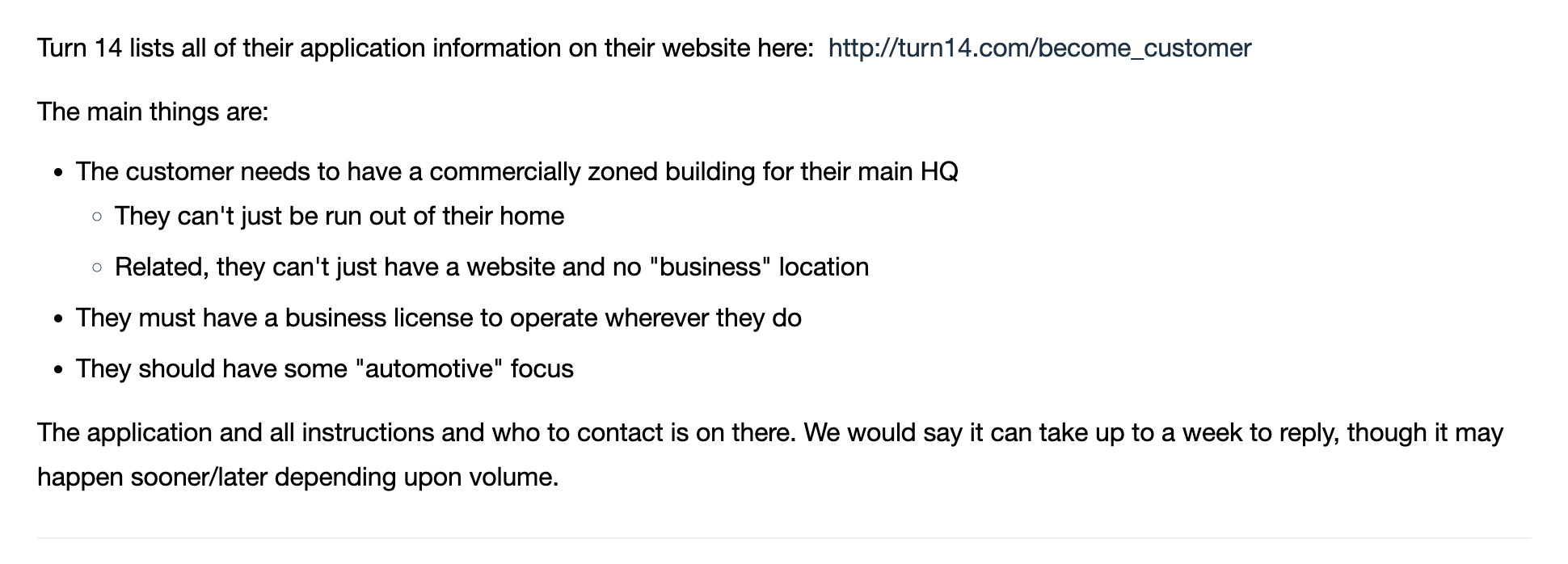
How do I Become a Distributor for Turn 14?
Turn 14 lists all of their application information on their website here: http://turn14.com/become_customer The main things are: The application and all instructions and who to contact is on there. We would say it can take up to a week to reply, though it may happen sooner/later depending upon volume.
Read More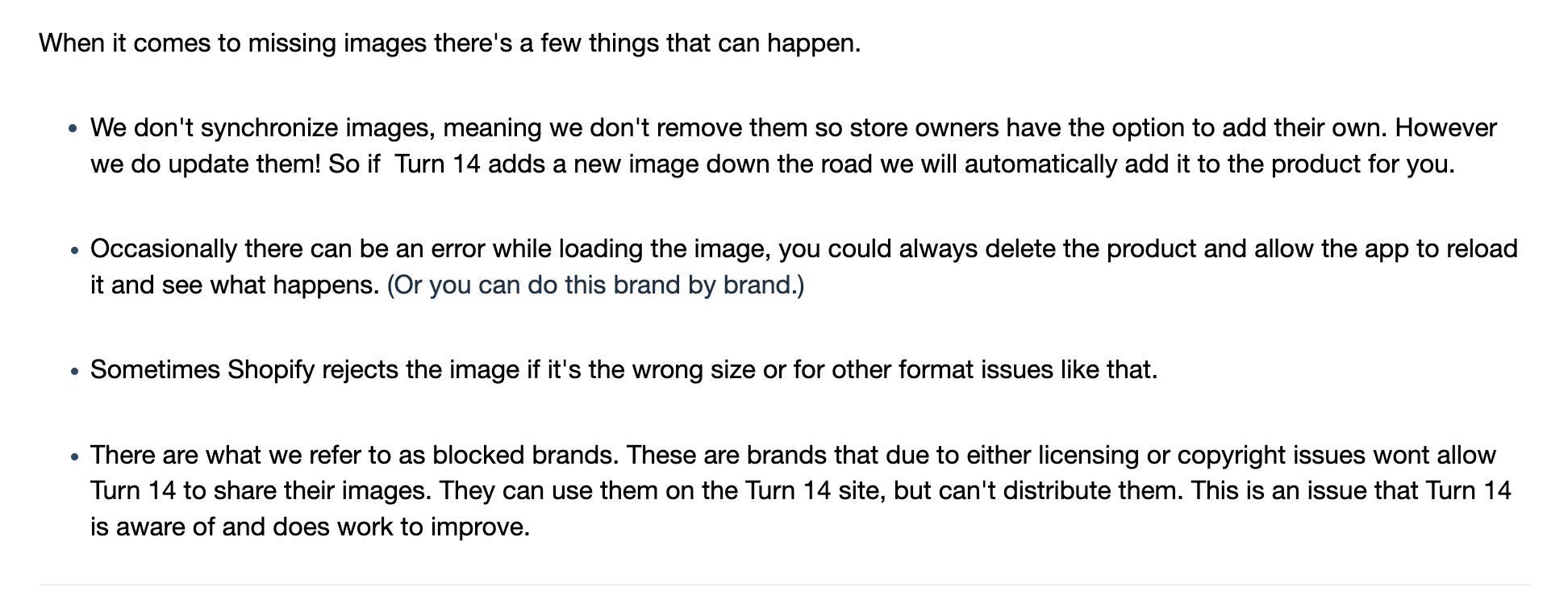
Missing Images
When it comes to missing images there’s a few things that can happen. There are what we refer to as blocked brands. These are brands that due to either licensing or copyright issues wont allow Turn 14 to share their images. They can use them on the Turn 14 site, but can’t distribute them. This is
Read More
Edit phone number on product page in Spark theme
1. Open your Shopify Store 2. Open the theme editor with the “Customize” button. 3. Click the “Home Page” dropdown. 4. Click “Products” 5. Click “Default product” 6. Open the “Product Top Layout” section 7. Scroll down to “Number Phone” and edit to your desired phone number.
Read More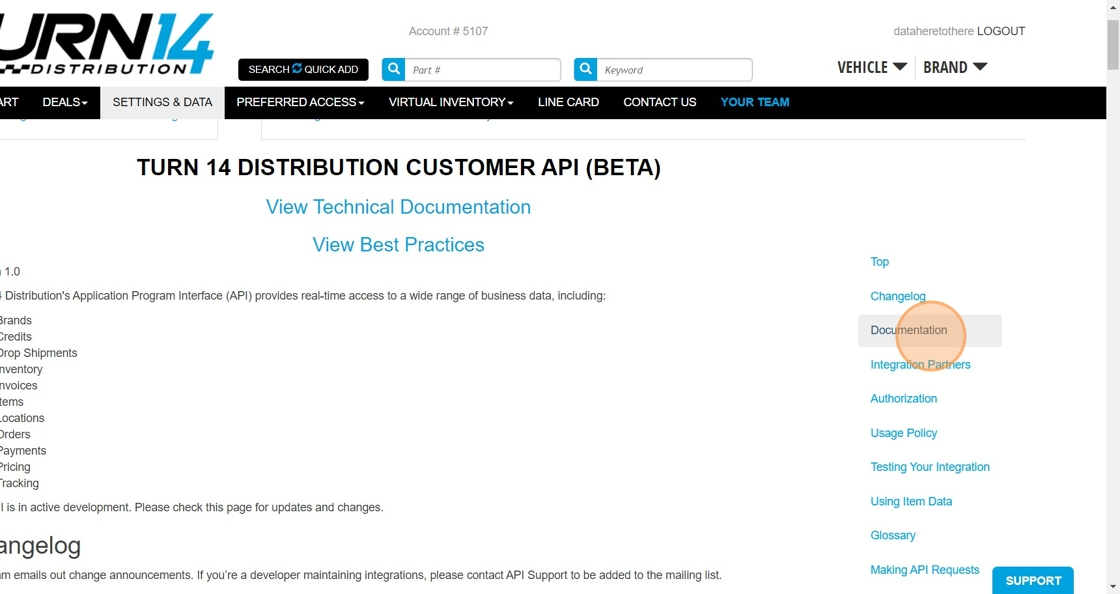
Where to Find API Credentials
1. Log into your Turn 14 account on their website 2. Click “SETTINGS & DATA” 3. Click “API” 4. Click “Documentation” 5. Scroll down just a touch and you will see your Client ID 6. And your “Client Secret”
Read More
How to Customize FAQ Blocks
1. Open the theme editor by clicking “Customize” 2. Click “Home page” 3. Click “Pages” 4. Click “faq” 5. Click on any FAQ block to edit it
Read More
Upload new logo to Spark Theme
1. Open your store in Shopify, navigate to “Online Store” 2. Open the theme editor with the “Customize” button 3. Open the “Header” section on the top left 4. Scroll down to the “Logo image” and click “Change”
Read More
Edit Vertical menu in Spark Theme
1. Click “Online Store” 2. Click “Navigation” 3. Click “Main menu” 4. Click “Edit” or “Delete” on the menu item you want to change
Read More
Customize Shipping and Return Policy in Spark Theme
1. Open the Theme Editor. 2. Click the top drop down. 3. Click “Products”, then “Default Product” 4. Click “Another Product Tab” 5. Edit the “Product Tab Content” field with your own policy.
Read More