
Zero Stock Items

In the filters tab of the app we have the option to import products with zero stock.  This setting only applies when uploading products, helping to prioritize loading only products with inventory, and excluding out of stock products until they come back in stock. At this point they would then be imported.

“Import products with zero stock”

Data Here-to-There Inc. | Zero Stock Items

We don’t remove products based on inventory levels, because if we removed a product everytime it went out of stock, and then added it back that would be to many products being deleted and reloaded. This can hurt SEO, mess with links people save, and generally create a lot more products to import which would slow down the process of loading all the products that match your filters.

If you are getting lots of orders for out of stock products, there’s a few things you can do. There is a setting in Shopify called “continue selling when out of stock”. You may want to disable this setting.

This Shopify help article explains how to hide out of stock products.

This is our article on continue selling when out of stock.
Share:

More Scribes

multi location inventory

Multi Location Inventory

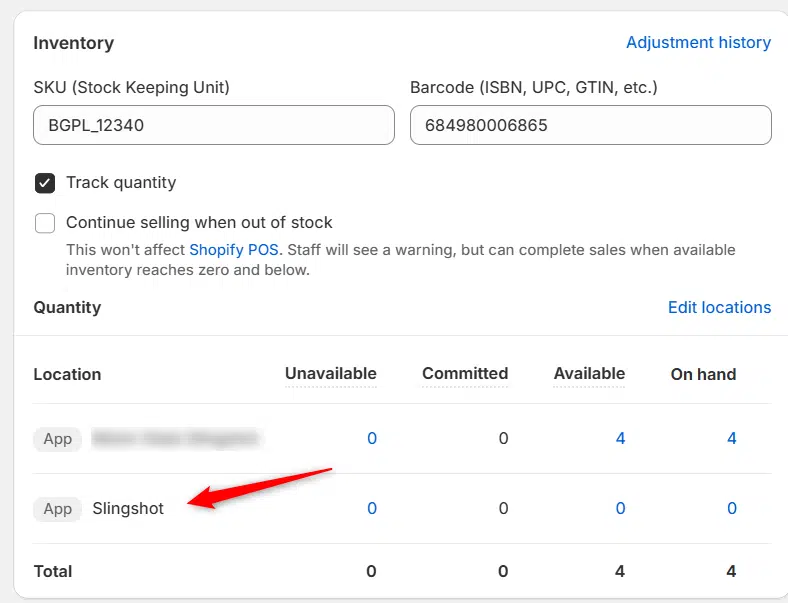
Previously we had all skus showing a single location called the “Slingshot App”, however we received a lot of requests
Create Parent collection in Shopify

Create Parent collection in Shopify

1. Click “Products” 2. Click “Collections” 3. Click “Create collection” 4. Click the “Title” field. 5. Enter the desired name

Add your Comment

Stay Connected

More Updates

Motor State Distributing and Data Here-to-There Logistics

Motor State Distributing and Data Here-to-There

Motor State Distributing provides high-quality aftermarket automotive parts. Partnering with Data Here-to-There, businesses can seamlessly integrate Motor State Distributing’s extensive inventory and launch their ecommerce operations with ease. Boost
turn-14-distribution logo

The Power of Turn 14 Distribution and BigCommerce

The Turn 14 Distribution app for BigCommerce is an innovative tool for automotive e-commerce. As it offers an advanced connection to one of the industry’s most trusted parts distributors, it also leverages BigCommerce’s powerful platform. By integrating Turn 14’s extensive catalog and real-time data management capabilities with BigCommerce’s robust online store features, this app simplifies inventory management, streamlines product updates, and keeps your stock and pricing always up-to-date. The app automates everything from synchronizing stock levels to adding new products and discontinuing outdated ones, freeing you from time-consuming manual updates.
Connecting CTP (Catalog)

Connecting CTP (Catalog)

1. Open your Shopify store 2. Open the “Slingshot Automotive” app 3. Click the “Settings” tab 4. Click “Catalogs” 5. Scroll down to CTP and
Select your currency