Core Charge Tags

By default we build core charges into the product price, so they are always accounted for and you or your customers don’t get a nasty surprise. We have two tags to help you, one that tells you if there’s a core charge (CoreCharge:Y or CoreCharge:N) and another that tells you how much the core charge costs (core price tags). You can use these to display to the customer if there’s a charge and how much of a rebate they will get.

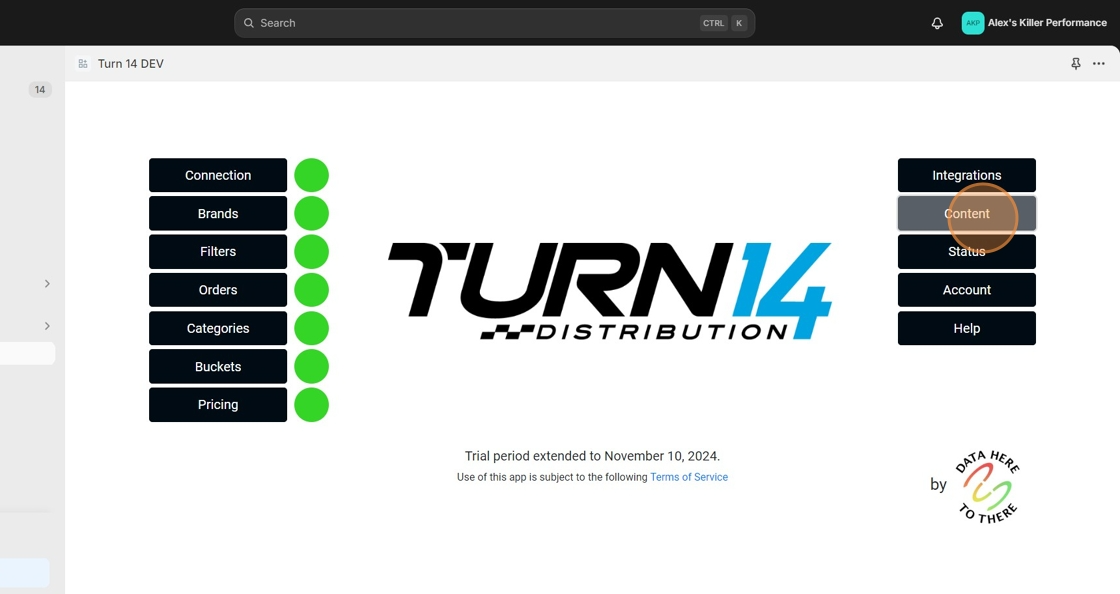
1. Click “Content”
Data Here-to-There Inc. | Core Charge Tags

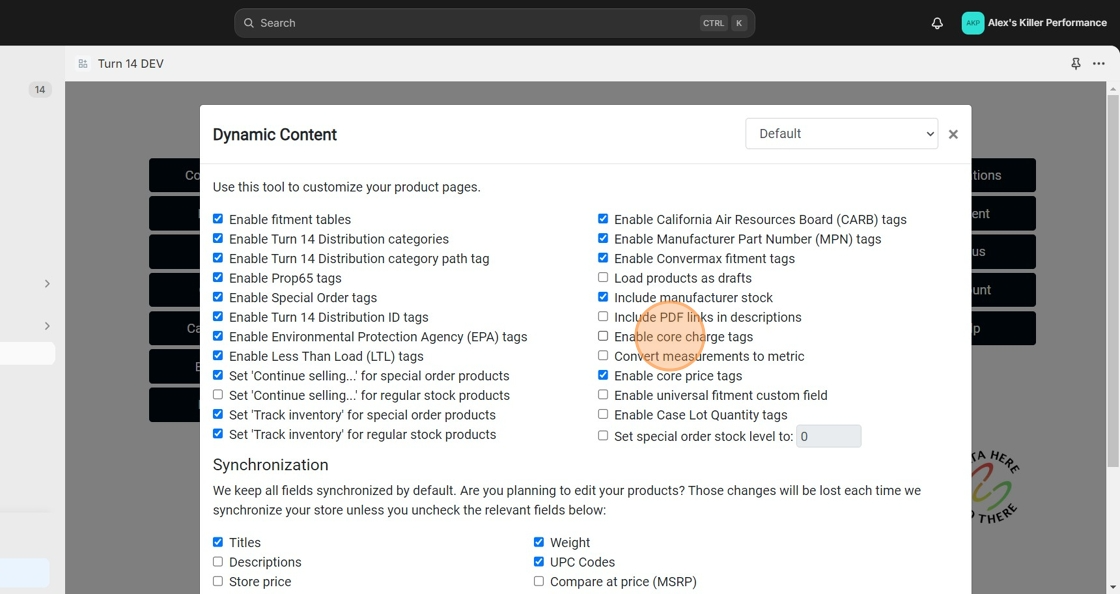
2. Click “Enable core charge tags”

Data Here-to-There Inc. | Core Charge Tags

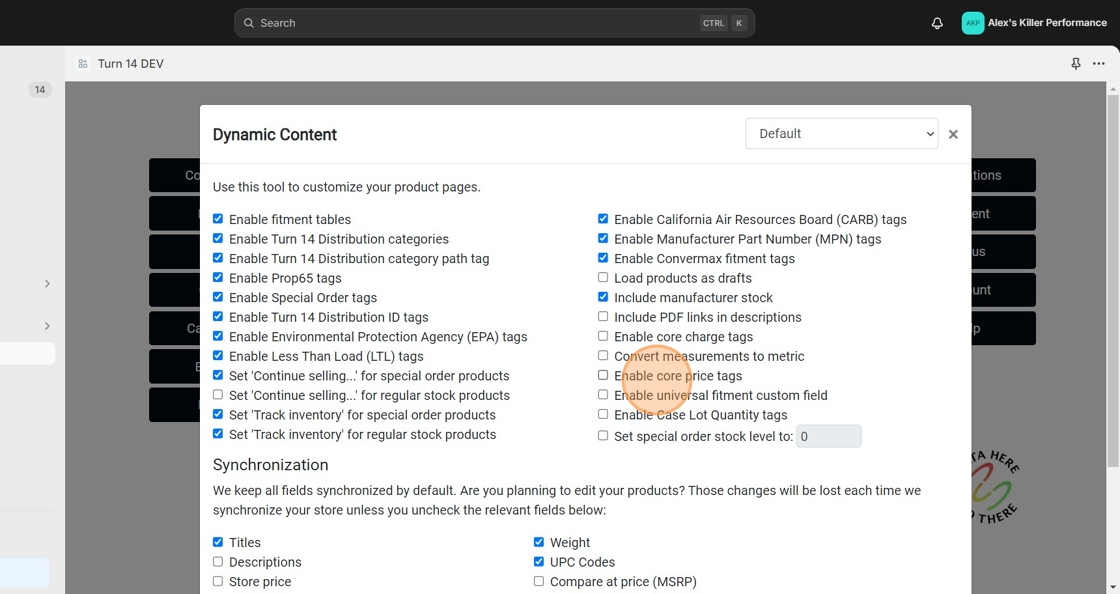
3. Click “Enable core price tags”

Data Here-to-There Inc. | Core Charge Tags

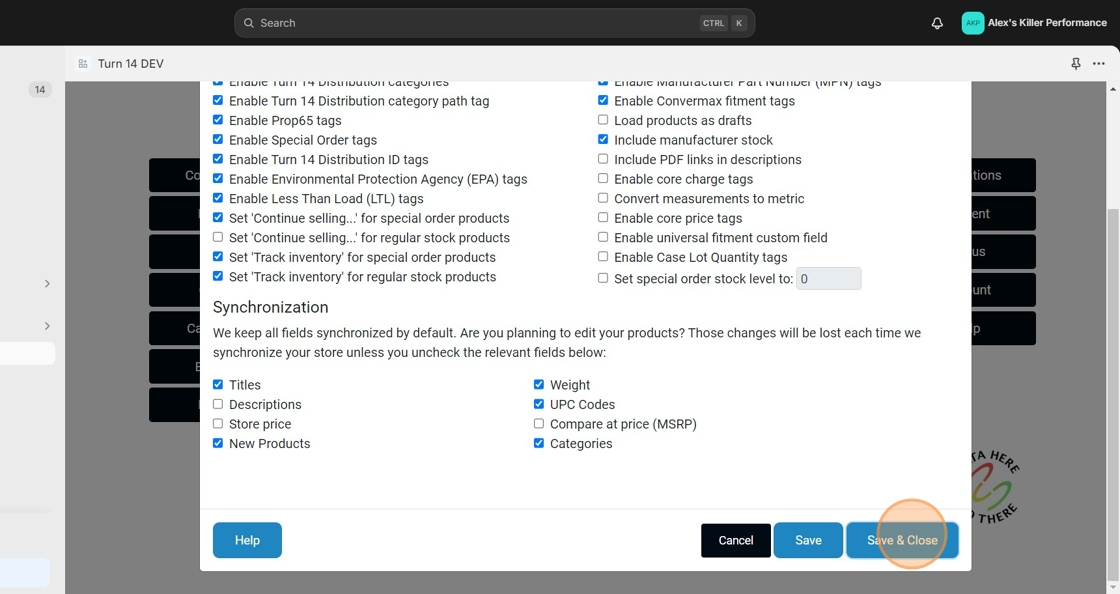
4. Click “Save & Close”

Data Here-to-There Inc. | Core Charge Tags

Share:

More Scribes

multi location inventory

Multi Location Inventory

Previously we had all skus showing a single location called the “Slingshot App”, however we received a lot of requests
Create Parent collection in Shopify

Create Parent collection in Shopify

1. Click “Products” 2. Click “Collections” 3. Click “Create collection” 4. Click the “Title” field. 5. Enter the desired name

Add your Comment

Stay Connected

More Updates

Order and Tracking Setup Instructions

Order and Tracking Setup Instructions

Preparing for the test order: 1. Click “Orders” 2. Click the “Provide EPA acknowledgements” field. 3. Click the “Provide Prop65 acknowledgements” field. 4. Click the
Zero Stock Items

Zero Stock Items

In the filters tab of the app we have the option to import products with zero stock.  This setting only applies when uploading products, helping
Select your currency