How to Display Special Order Status

You can add this code snippet to display special order status. This may require the assistance of a developer.

<ul class=”product-tags”>
{% for tag in product.tags %}
{% if tag contains ‘SpecialOrder:Y’ %}
<li>This is a special order item, please allow an additional 15-20 days delivery.</li>
{% endif %}
{% endfor %}
</ul>

Shopify handles the display of in/out of stock (or availability) in most themes.

You can see how to do this in our Shopify – Manufacturer Part Number Quick Tip.

Share:

More Scribes

multi location inventory

Multi Location Inventory

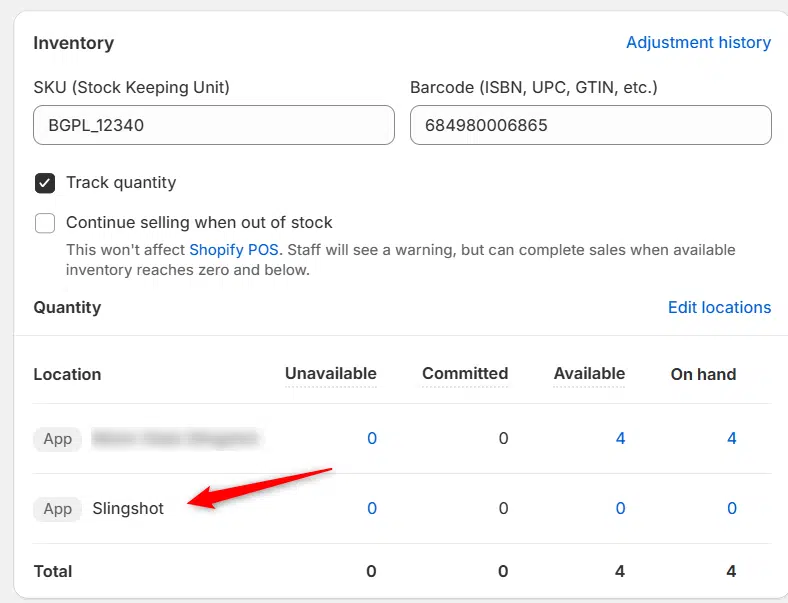
Previously we had all skus showing a single location called the “Slingshot App”, however we received a lot of requests
Create Parent collection in Shopify

Create Parent collection in Shopify

1. Click “Products” 2. Click “Collections” 3. Click “Create collection” 4. Click the “Title” field. 5. Enter the desired name

Add your Comment

Stay Connected

More Updates

Image of a keyboard with the word SEO in front

SEO Made Simple

SEO can feel overwhelming, but with DH2T’s Shop-in-a-Box, you already have a strong foundation. In this guide, we break down simple, effective strategies to optimize your product pages, speed up your site, and boost your rankings. Learn how to write compelling product descriptions, improve image SEO, leverage customer reviews, and use smart internal linking—all without needing to be an SEO expert.

Data Here-to-There Inc. | Put the Power in Powersports with Turn 14 Distribution and DH2T

Put the Power in Powersports with Turn 14 Distribution and DH2T

Explore how Turn 14 Distribution and Data Here-to-There are transforming the powersports industry. As the market continues to grow, their innovative tools and reliable data empower dealers to streamline operations, meet rising demand, and deliver top-tier customer service. Learn how DH2T Turn 14 advanced app simplifies inventory management, automates updates, and keeps your business ahead of the competition.
Select your currency