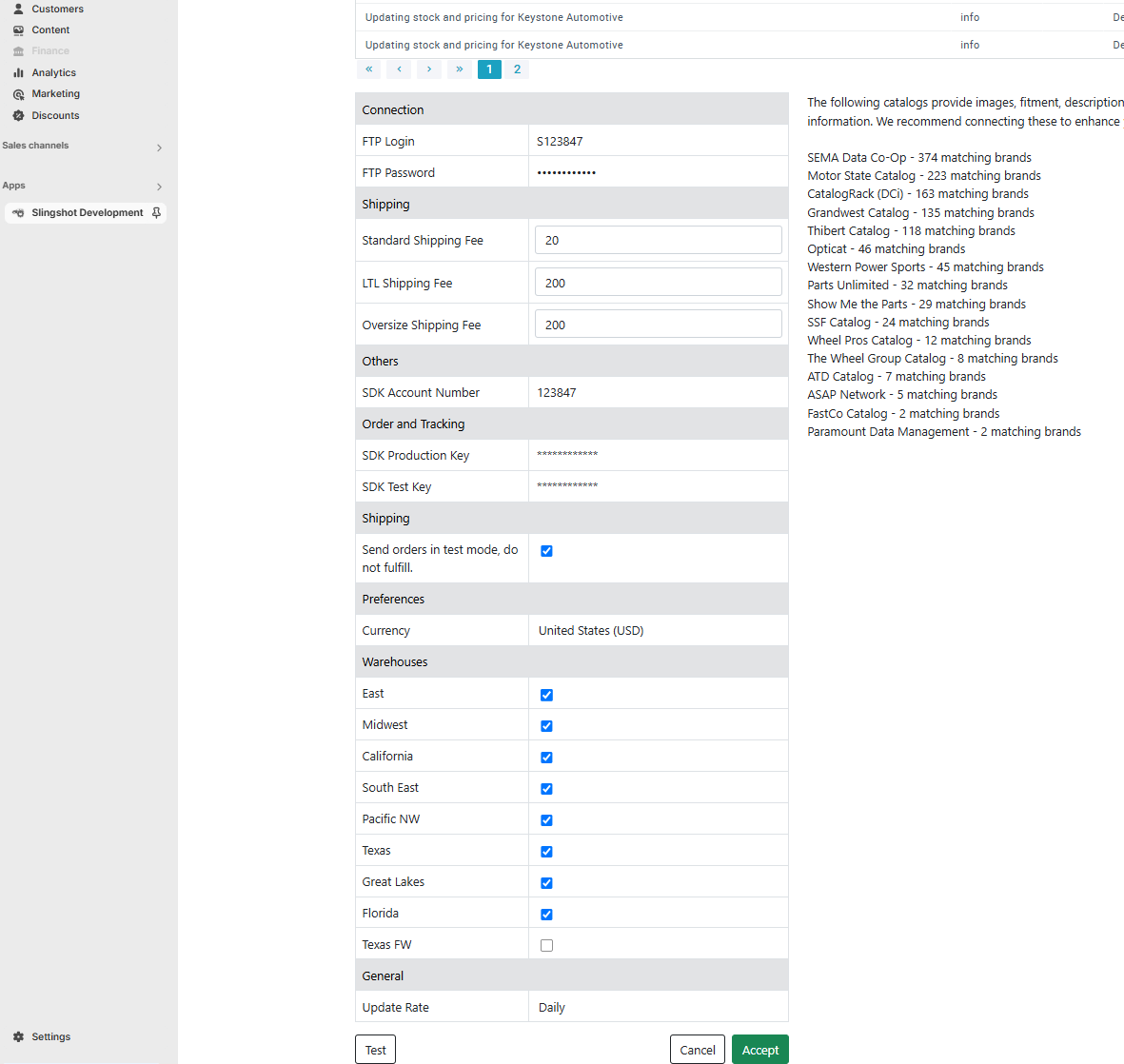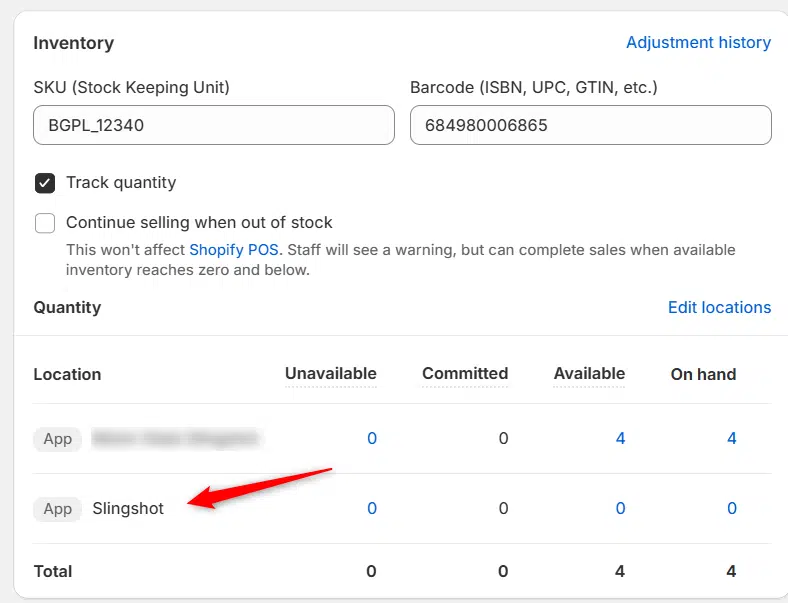
Previously we had all skus showing a single location called the “Slingshot App”, however we received a lot of requests to break this down more specifically. As a result we have released an update allowing you to see all the different locations and distributors, as well as choose which locations you want to display or exclude inventory for.
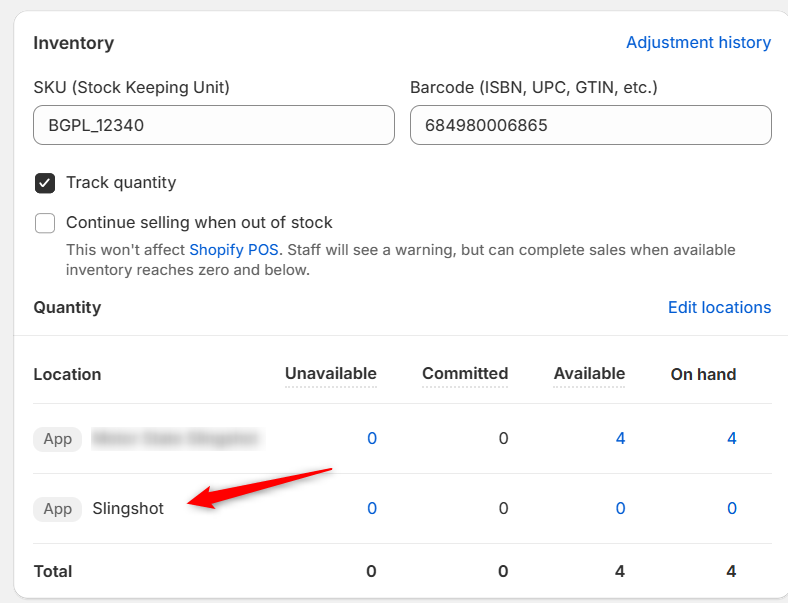
Before:
After:
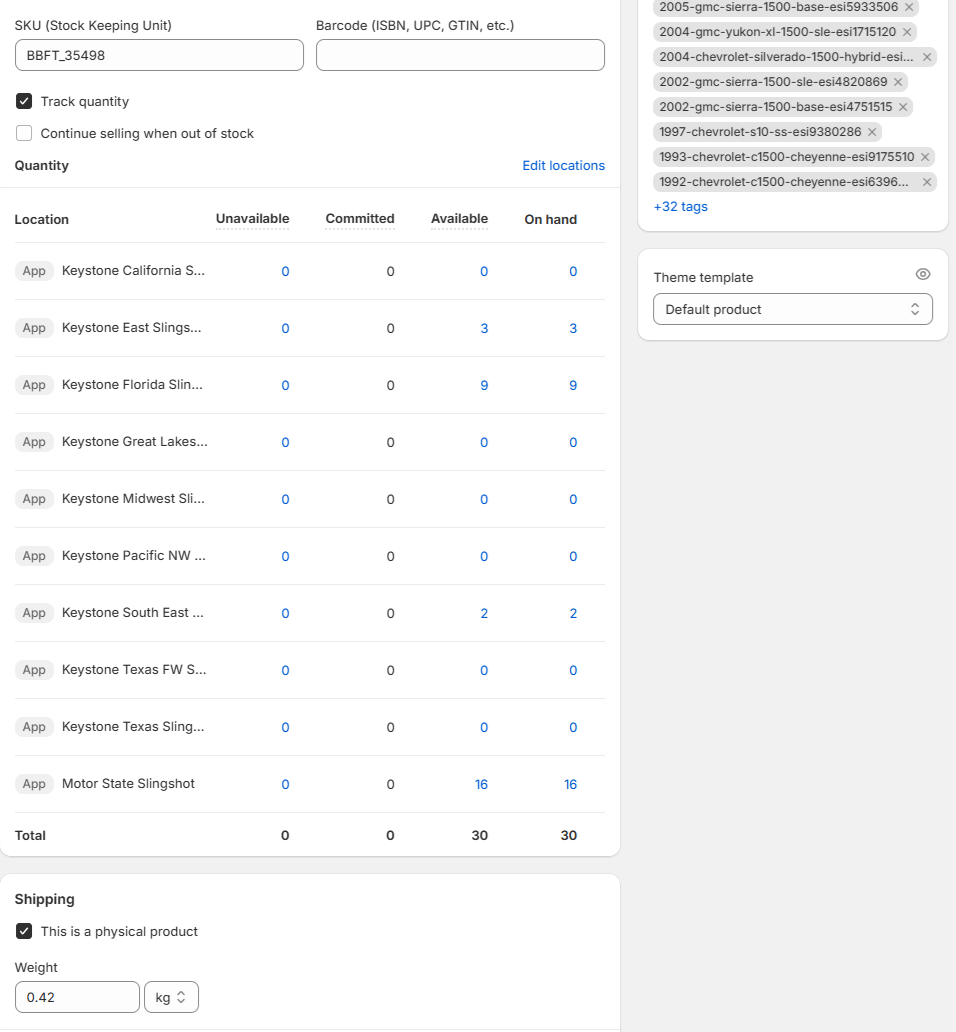
On the individual product page you can now see which distributors and locations carry a product. Some distributors only send us one location, or a cumulative amount for all their locations so those will show up as a single location like MotorState above.
You will find the warehouse options in the distributors settings, for the distributors who send us multiple warehouse locations in their feed. You can then choose to exclude a specific warehouse if needed. (For example if the Hawaii warehouse doesn’t ship to continental USA.)