Missing Images

When it comes to missing images there’s a few things that can happen. 

  • We don’t synchronize images, meaning we don’t remove them so store owners have the option to add their own. However we do update them! So if  Turn 14 adds a new image down the road we will automatically add it to the product for you.
  • Sometimes Shopify rejects the image if it’s the wrong size or for other format issues like that. 

There are what we refer to as blocked brands. These are brands that due to either licensing or copyright issues wont allow Turn 14 to share their images. They can use them on the Turn 14 site, but can’t distribute them. This is an issue that Turn 14 is aware of and does work to improve.

Share:

More Scribes

multi location inventory

Multi Location Inventory

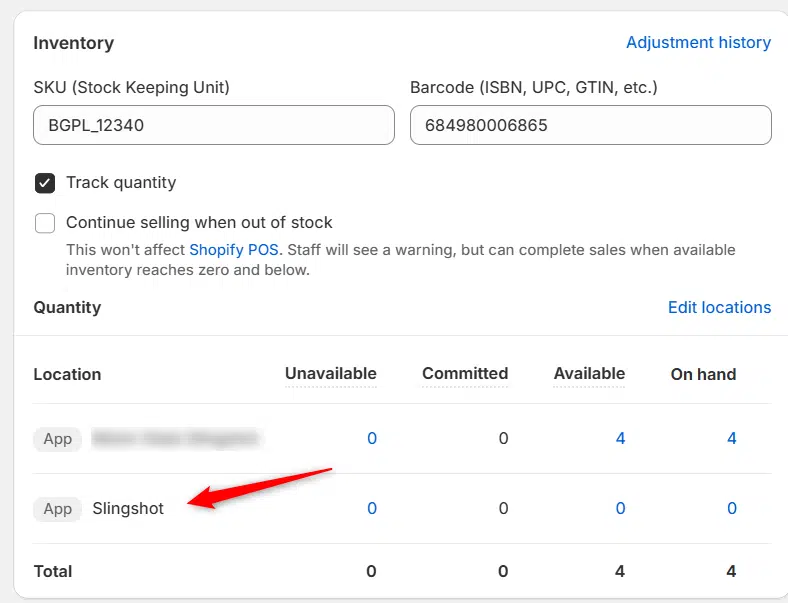
Previously we had all skus showing a single location called the “Slingshot App”, however we received a lot of requests
Create Parent collection in Shopify

Create Parent collection in Shopify

1. Click “Products” 2. Click “Collections” 3. Click “Create collection” 4. Click the “Title” field. 5. Enter the desired name

Add your Comment

Stay Connected

More Updates

AIMEXPO 2025 Tech Talks

DH2T Tech Talks Presentation at AIMExpo 2025

Elevate your ecommerce game at AIMExpo 2025! Join Data Here-to-There on Thursday, February 6, at 2 PM for an engaging Tech Talks presentation on “E-commerce for Parts Dealers with Turn 14 Powersports on Shopify.” Discover how powersports dealers can streamline their operations, enhance customer satisfaction, and drive growth through cutting-edge tools like the Shop-in-a-Box solutions and real-time data integrations. Visit us at Booth #5028 to learn more and see live demonstrations of our innovative data solutions.

Connecting DCi

Connecting DCi

**Please note, first you must enable data downloads –https://dataheretothere.freshdesk.com/a/solutions/articles/69000840128 1. Open your Shopify store 2. Open the “Slingshot Automotive” app 3. Click the “Settings” tab
Select your currency